
Samsung Email
Samsung Electronics Co., Ltd.
Downloads
1,000,000,000+
Source
Google Play
Click to download now, finish the installation quickly, and directly unlock the all-round experience
Screenshots
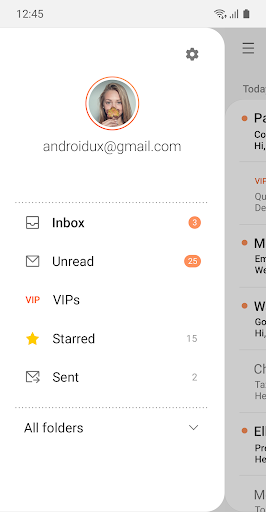
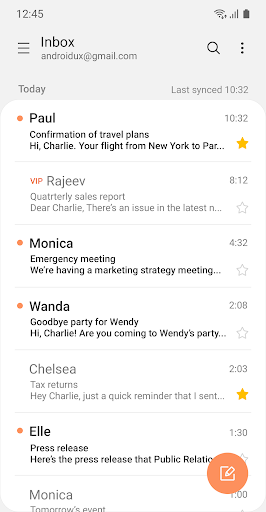
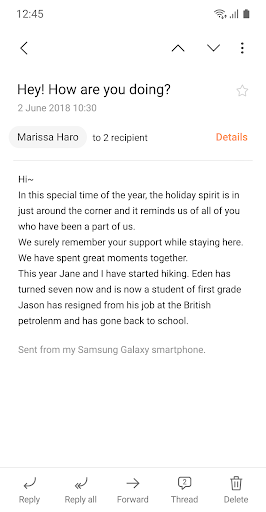
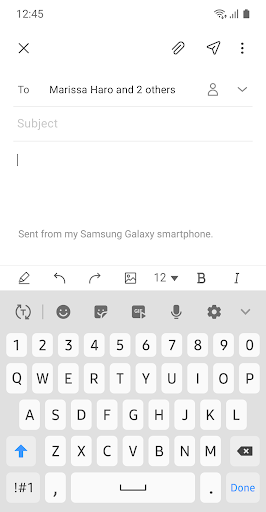
Click to download now, finish the installation quickly, and directly unlock the all-round experience
Samsung Email is a mail client for managing personal and work accounts in one app. It supports POP3 and IMAP accounts, and can connect to Exchange Server through Exchange ActiveSync (EAS). That makes it a fit for people who want to handle different mail accounts together, and for organizations using Exchange.
With EAS, the app can synchronize email, calendars, contacts and tasks. It also offers a combined mailbox, conversation view for grouped messages, notification and synchronization settings, and spam management. S/MIME encryption is available for email communication. Organizations can apply policies through the app’s EAS support; those controls matter most in managed work environments, rather than to someone using only a personal mailbox.
Samsung Email has a 4.37 rating from about 2.53 million ratings. That is a substantial review base, so the score reflects many users’ experiences, not just a small early sample. It is still an average: it cannot tell you whether the app will suit your email provider, workplace setup or preferred way of handling messages.
The listing reports more than 1 billion installs. This signals very broad distribution, but installs are not the same as active users, and the count does not establish that the app is the best choice for every Android user. Its developer is Samsung Electronics Co., Ltd., which is relevant if you are looking for Samsung’s own email app.
Consider it if you need POP3 or IMAP access, or if your work account relies on Exchange features such as synchronization and administrator-managed policies. If you only need basic email, the large install count and strong rating offer useful context, but neither replaces checking whether your account and work requirements are supported.