Click to download now, finish the installation quickly, and directly unlock the all-round experience
Screenshots
Click to download now, finish the installation quickly, and directly unlock the all-round experience
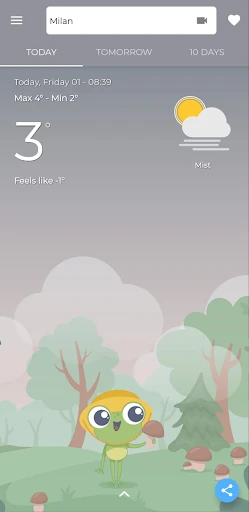
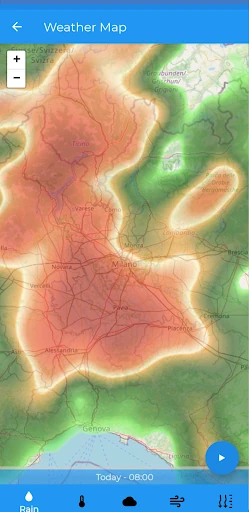
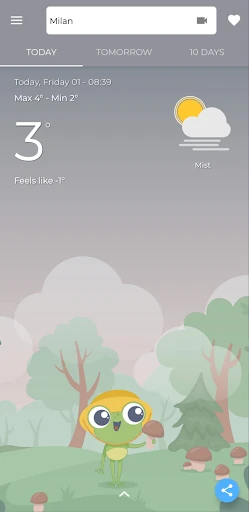
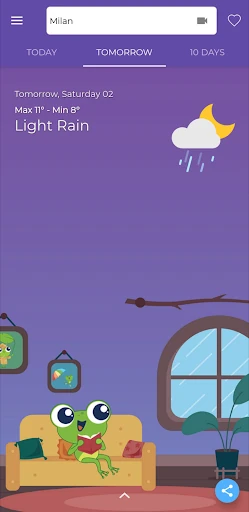
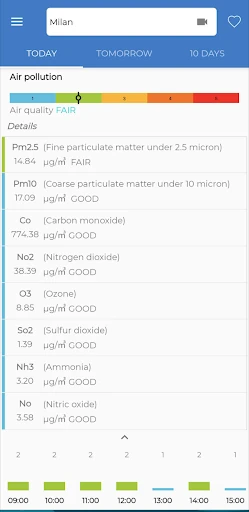
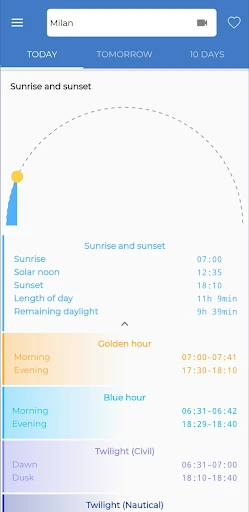
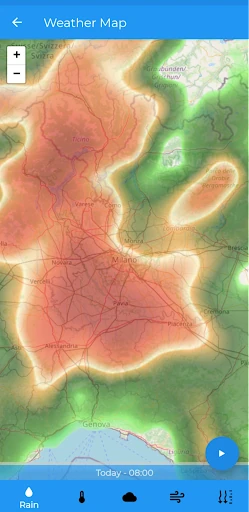
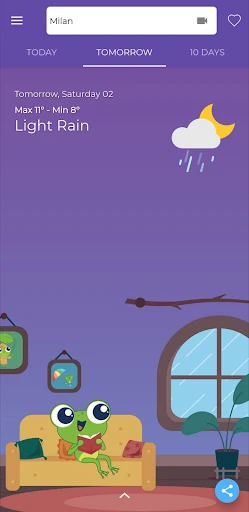
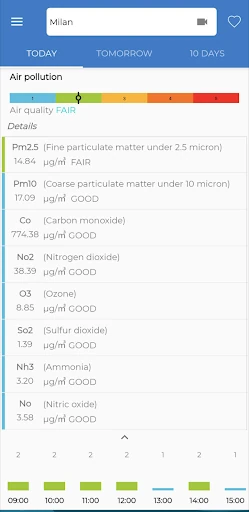
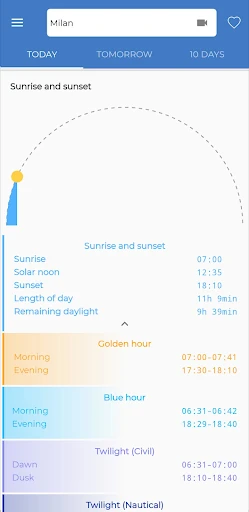
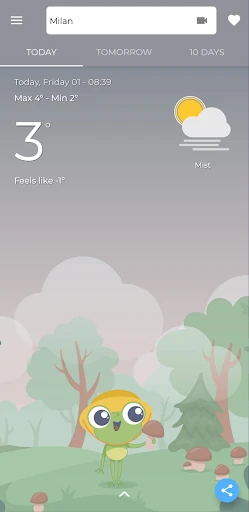
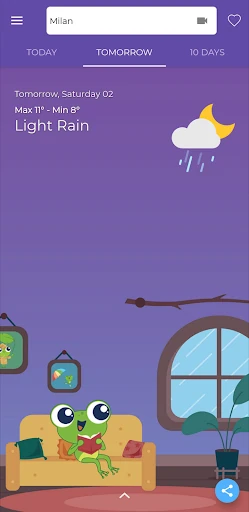
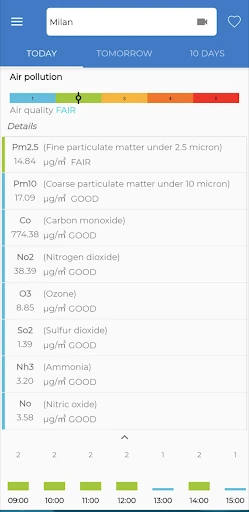
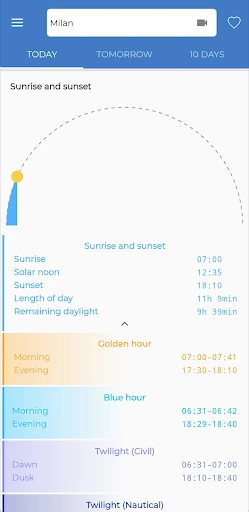
TheFrog: Weather app gives weather forecasts across hourly, daily and 10-day views, alongside maps and other environmental information. It suits people who want to check near-term conditions, look ahead for plans, or see more than a single temperature reading. The app also includes air-quality information, nearby webcams and times for solar phases such as golden hour, blue hour and twilight—useful extras for people planning time outdoors or photography.
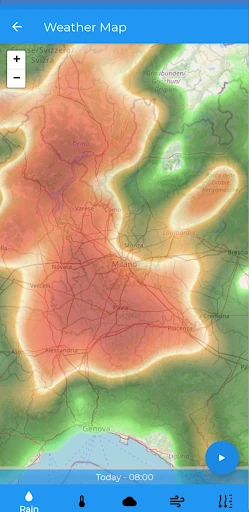
TheFrog presents weather information in a character-led, lighthearted style rather than a strictly clinical one. That may make routine checks feel more approachable, though readers who prefer a restrained interface may not enjoy the tone. Widgets provide a way to see updates without opening the full app. The maps and webcam views offer additional ways to inspect conditions, but neither replaces a forecast: camera availability and usefulness can depend on where you are, and a forecast remains an estimate rather than a guarantee.
The app holds a 4.62 out of 5 rating from 29,151 ratings. That is a substantial pool of user feedback, not just a handful of opinions, and the average is notably positive. Still, a rating compresses many experiences into one figure. It does not show whether reviewers value the forecast detail, the presentation, or a particular feature, nor does it tell you how well the app serves your location.
1,000,000+ installs indicates broad adoption; it is a measure of reach, not proof that the app is more accurate than alternatives. The developer is giovesoft. TheFrog is a plausible fit if you want layered forecasts and extra outdoor-oriented information in a less formal style. If you need a purely utilitarian display, or rely on local webcam coverage, those details are worth weighing alongside the strong rating.